
The Problem
Managing students and teachers within the platform was inefficient and error-prone.
At the time:
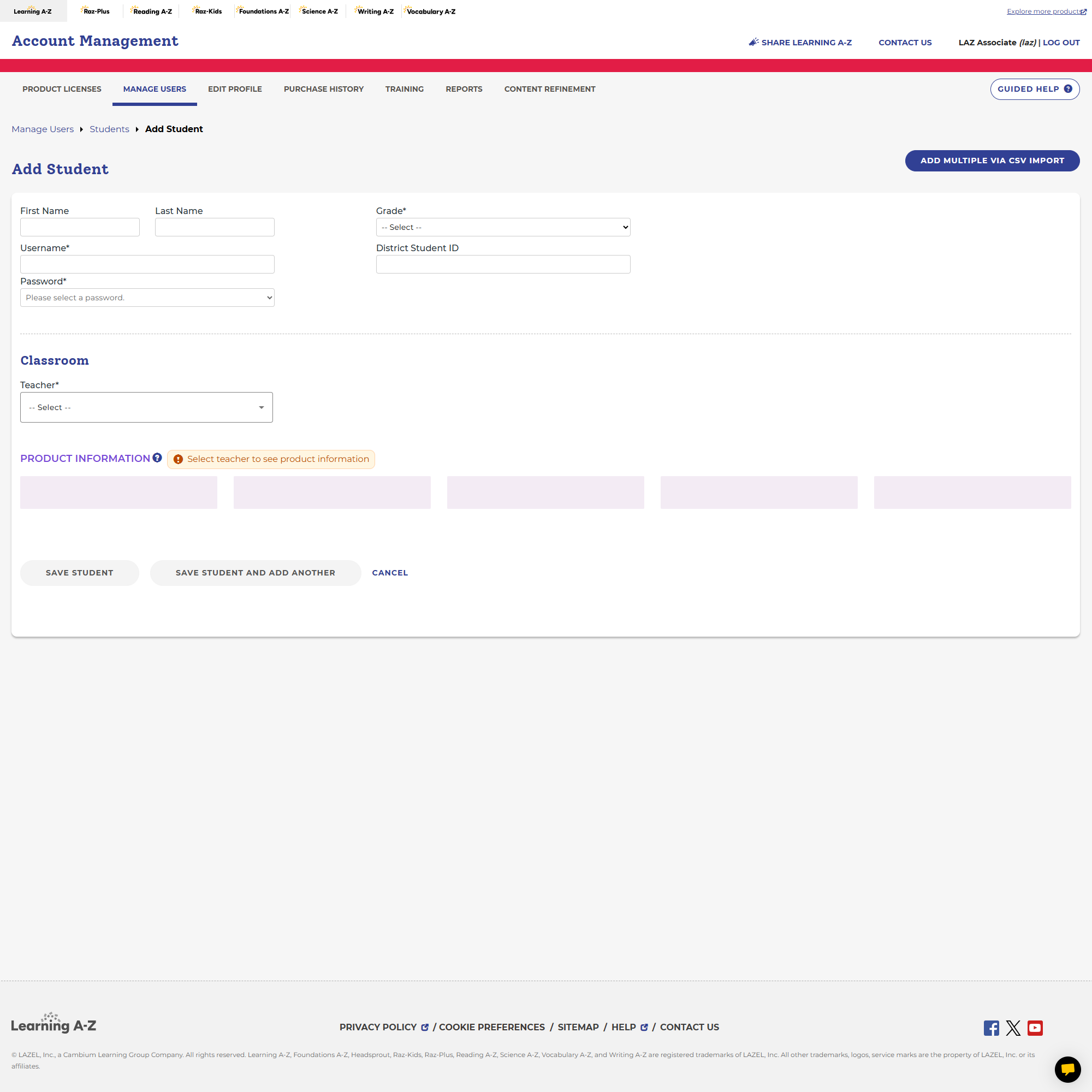
- There was no way to manually assign students to teachers within the UI
- Rostering relied entirely on a blind CSV upload process
- Users had no visibility into data before import
- Errors were difficult to detect and fix
This resulted in:
- High cognitive load for administrators
- Frequent data issues
- Heavy reliance on support teams
- Extremely long setup times
The Challenge
The goal was to redesign the rostering experience to:
- Reduce complexity in managing users
- Provide visibility and control over data
- Support both bulk and manual workflows
- Minimize errors during upload and assignment
All while working within:
- Existing system constraints
- Large datasets (district-level scale)
- Multiple user roles and permissions
ROLE
Lead UX Designer
Timeline
8 months
Team
Product Manager + Engineering
Responsibilities
UX Strategy · Information Architecture · User Flows · Wireframing · Cross-functional Collaboration · Design Systems · Prototyping
Key Outcomes
- Improved content discoverability
- Reduced support reliance
- Streamlined onboarding workflows
Impact
Redesigned the rostering experience to significantly improve efficiency and usability for administrators.
Key outcomes included:
- Reduced time to create a roster from 17 days to 3 days (~82% reduction)
- Enabled manual student-to-teacher assignment for the first time
- Reduced errors through guided CSV upload and validation workflows
- Improved visibility into user data before and during import
- Decreased reliance on support for troubleshooting roster issues
Key Improvements
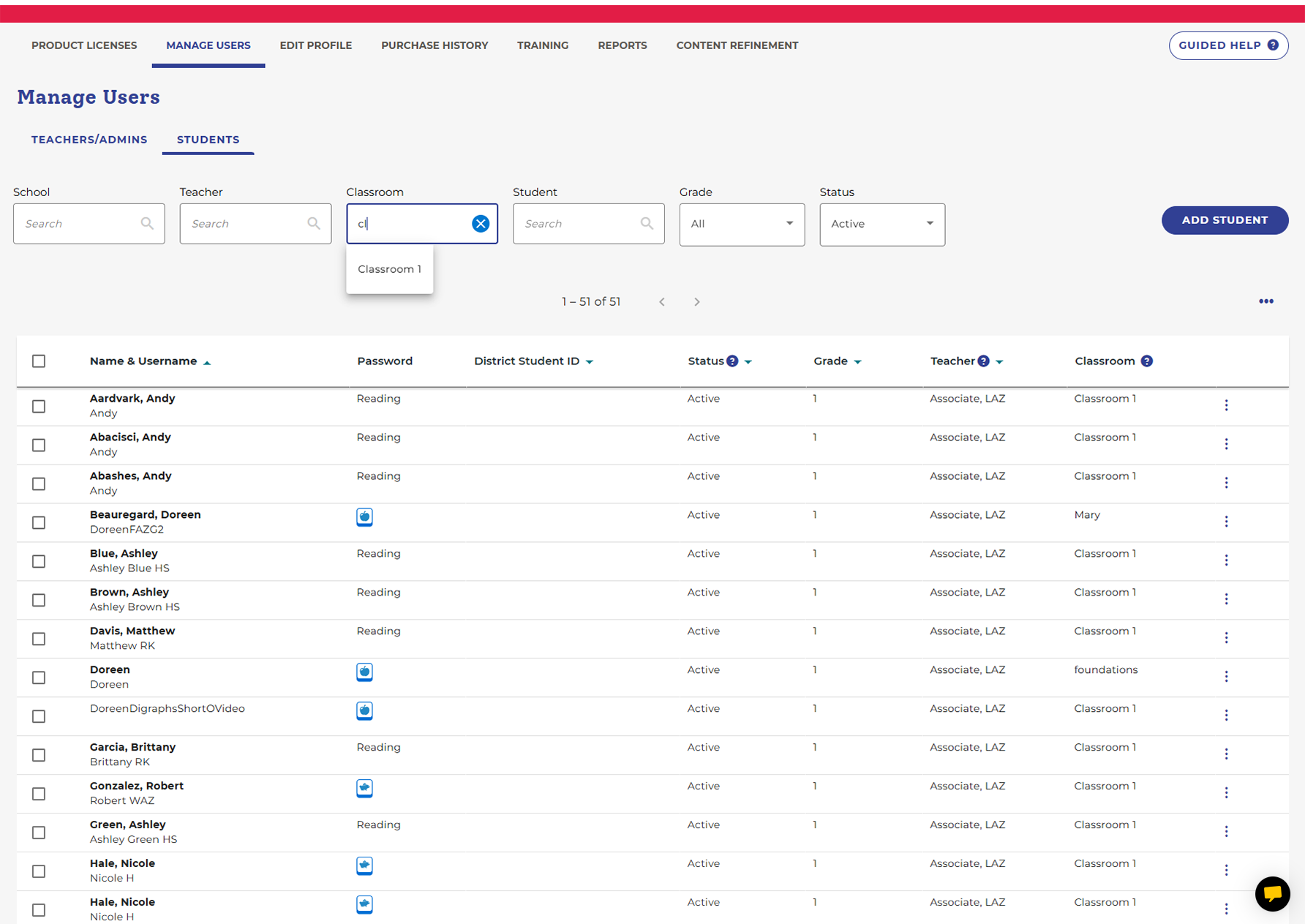
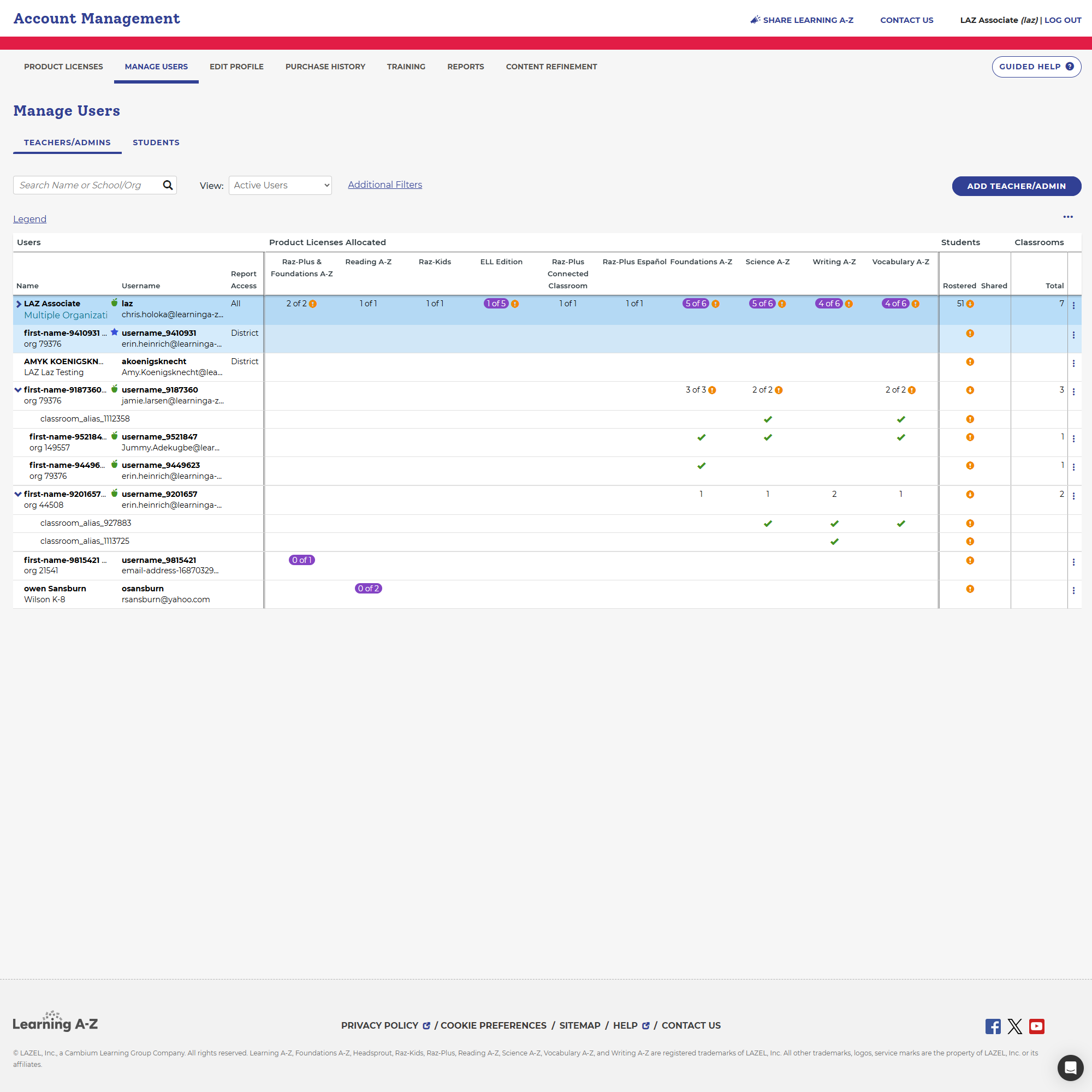
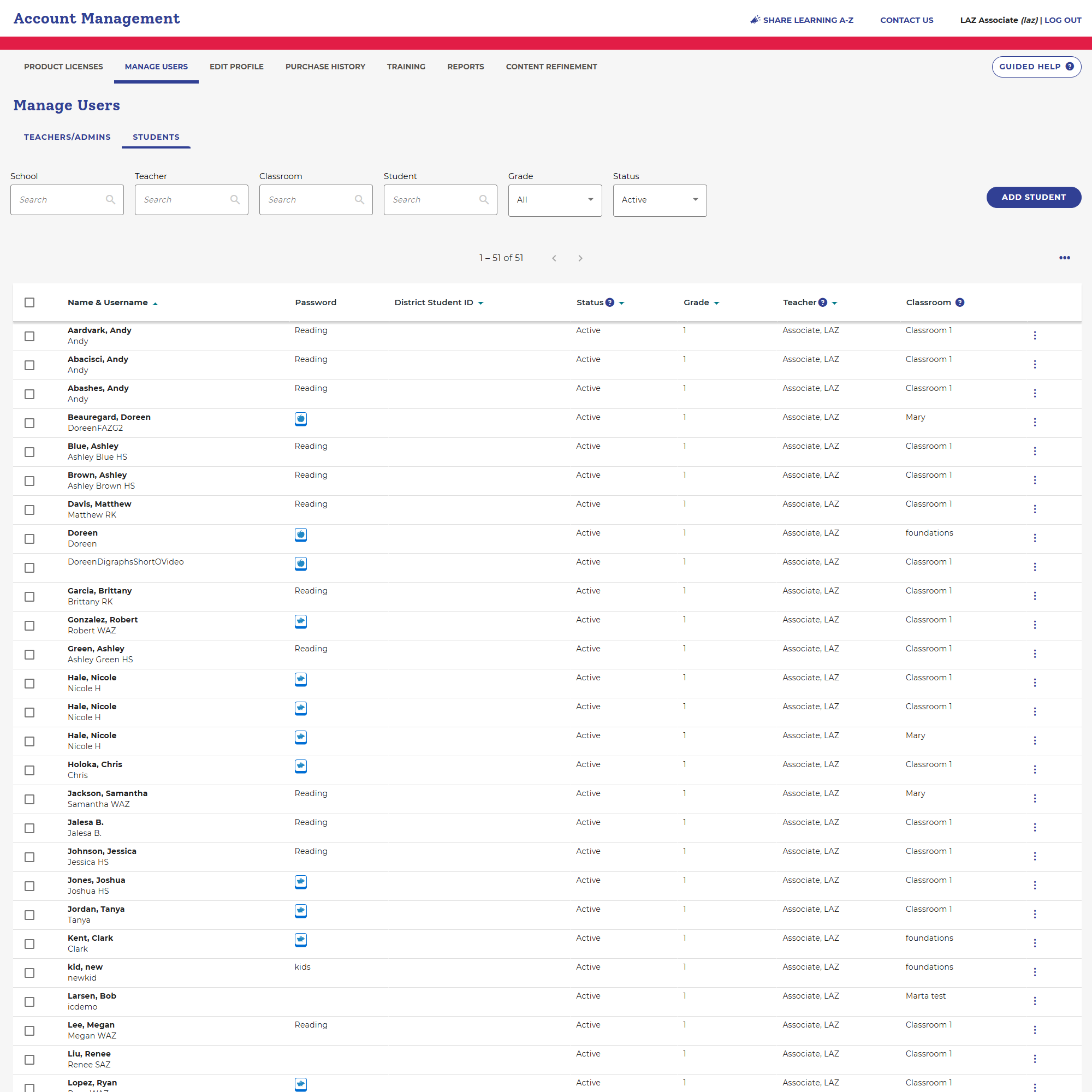
1. Introduced Manual User Management
- View, sort, and assign students to teachers
- Eliminated reliance on CSV-only workflows
2. Designed a Guided CSV Upload Flow
- Upload → Review → Import
- Inline editing before submission
- Clear validation and feedback
3. Reduced Errors Through Visibility
- Real-time feedback
- Editable data tables
- Clear error states
Designing a Better Upload Experience
One of the biggest improvements was transforming the upload flow into a guided process.
This replaced the previous:
“upload and hope it works” experience
New 3-Step Upload Flow
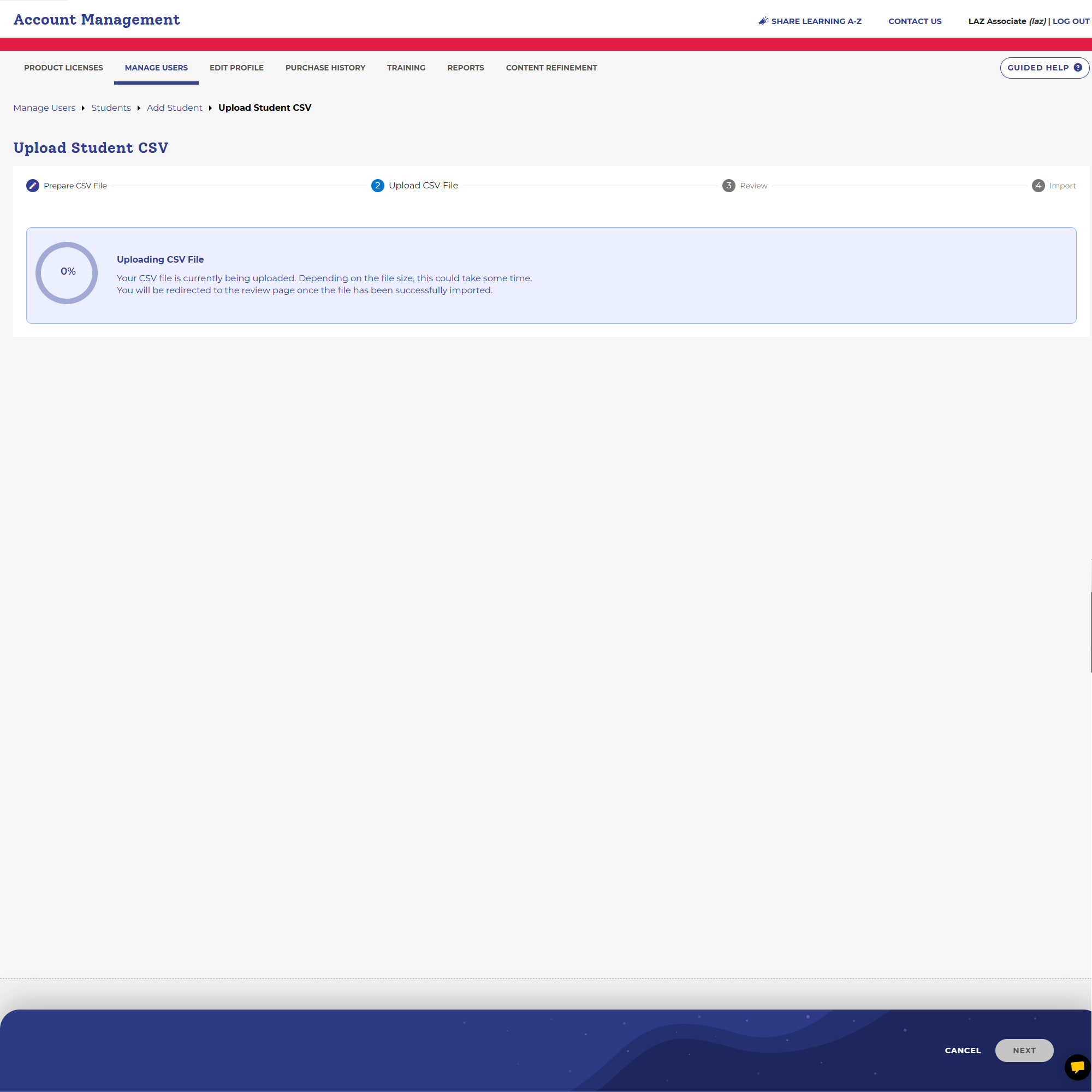
Step 1: Upload
- Upload CSV file
- Immediate validation feedback
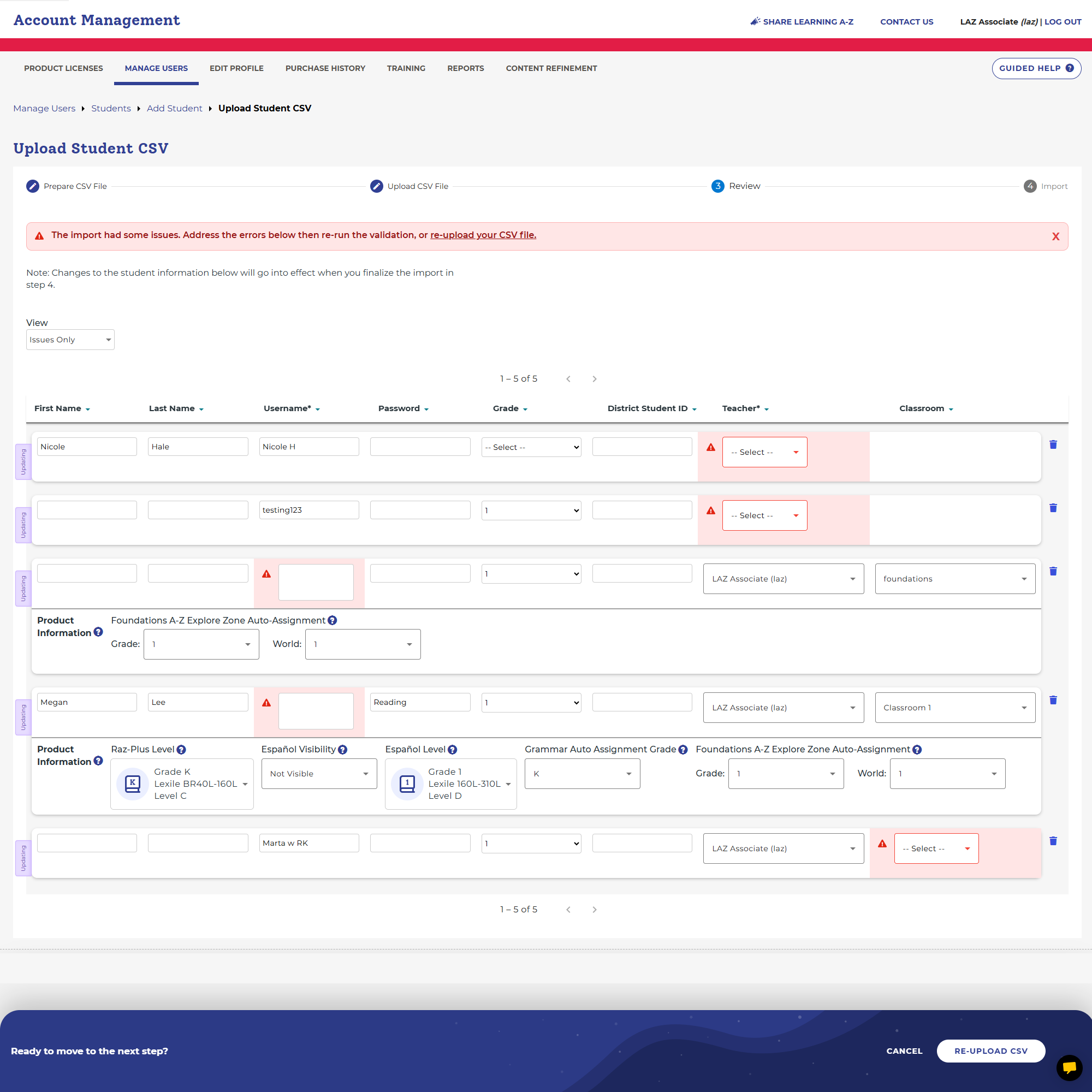
Step 2: Review & Edit
- Data displayed in an editable table
- Inline corrections before import
- Clear visibility into errors
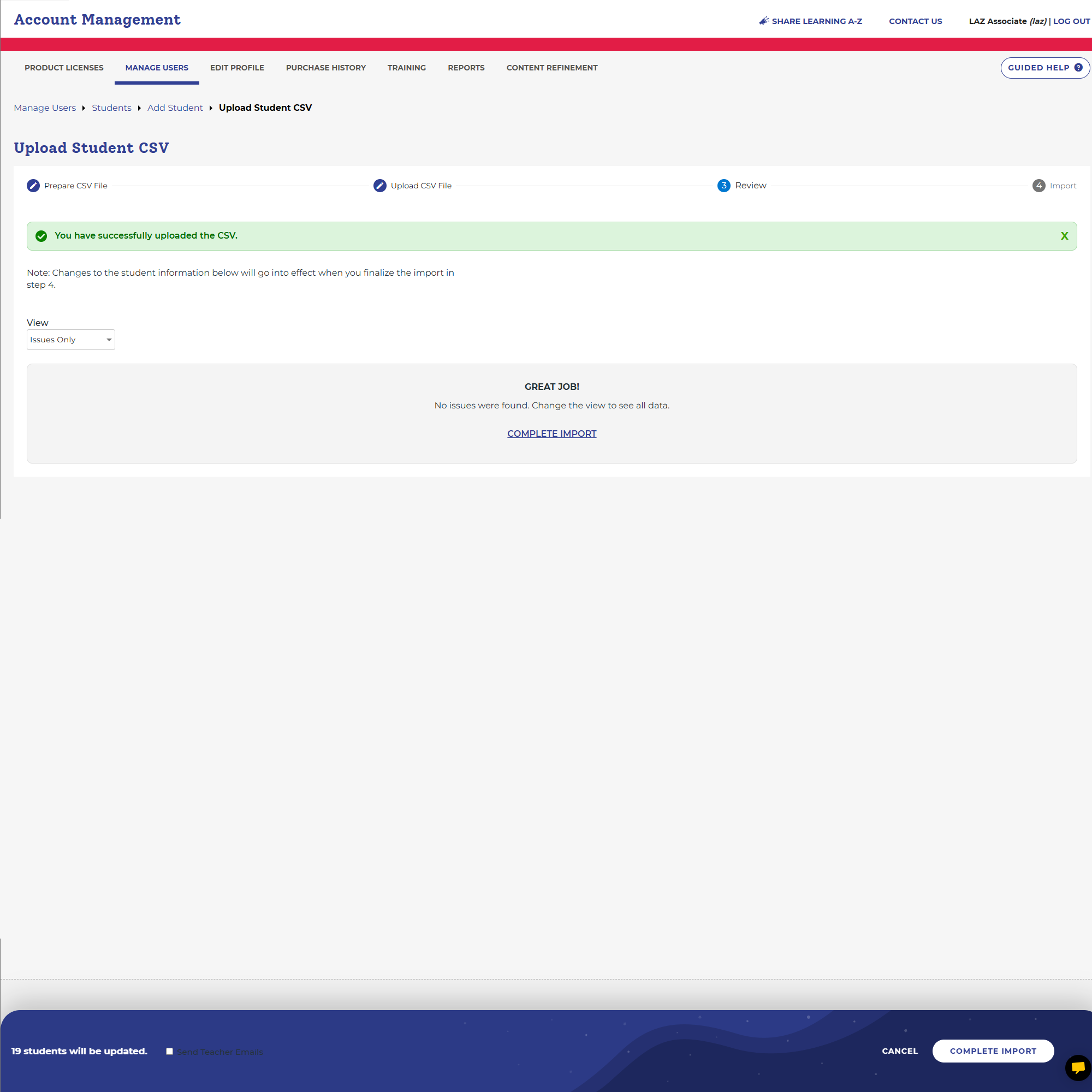
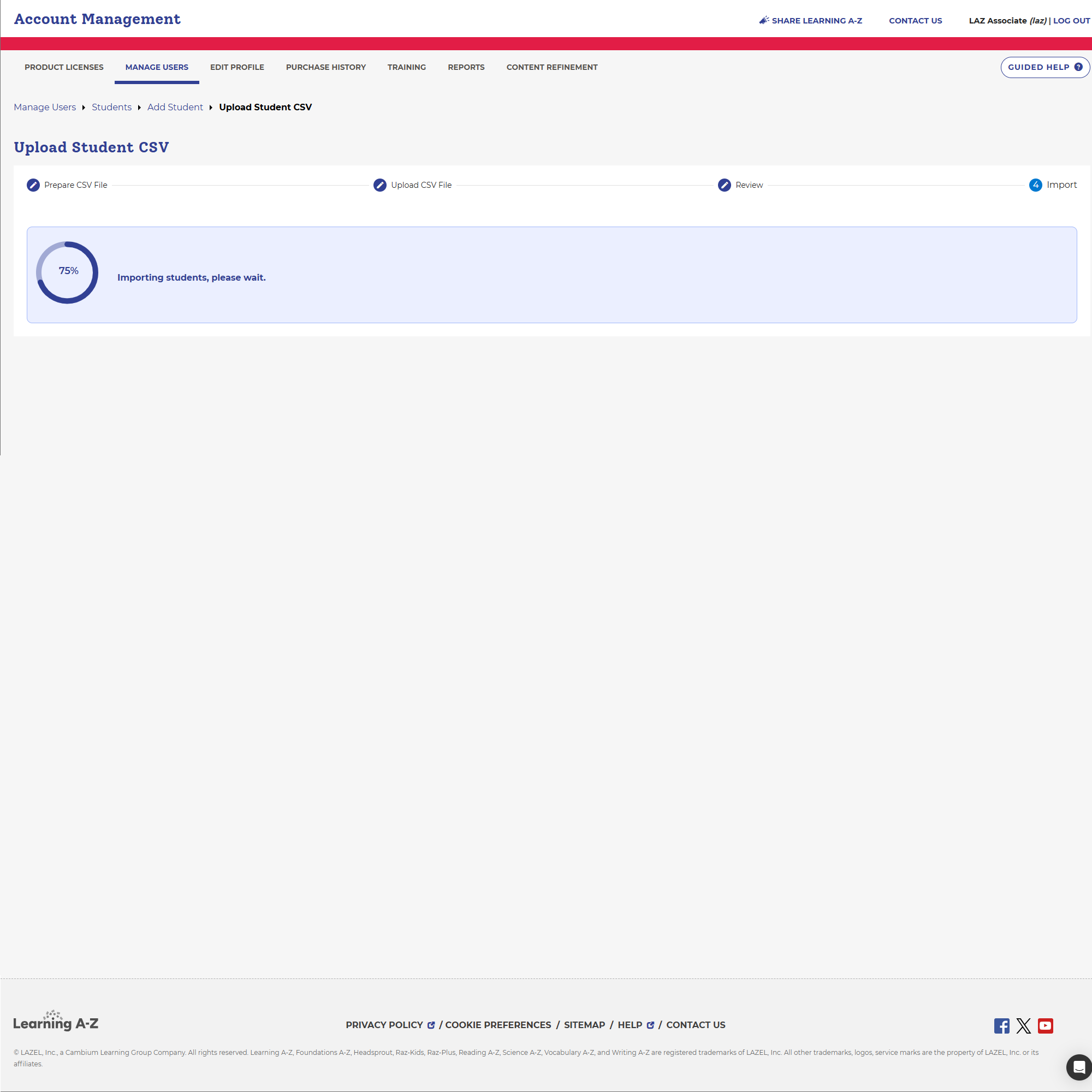
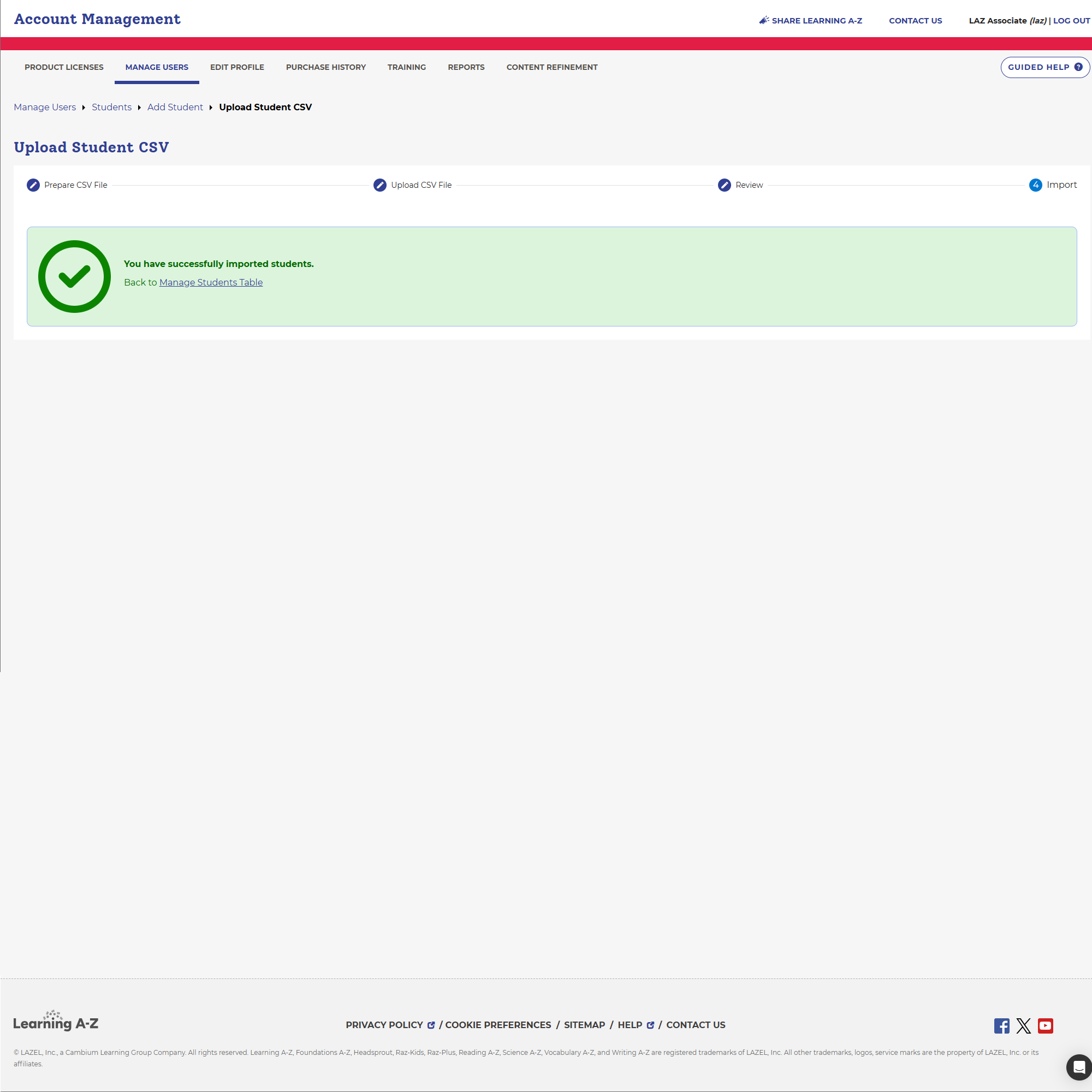
Step 3: Import
- Confirm and finalize upload
- Reduced risk of failed imports
Outcome
Previously, rostering required a full CSV upload with no visibility. This redesign introduced both manual control and a guided bulk workflow—reducing setup time by 82%.
The redesigned experience created a more flexible and scalable system for managing users.
- Administrators could now manage users without relying solely on CSV uploads
- Bulk operations became more reliable and less error-prone
- Manual workflows allowed faster adjustments and corrections
- The system better supported real-world district needs
Reflection
What I Learned
- Bulk workflows should always be paired with manual flexibility
- Visibility and feedback are critical in high-risk actions like data import
- Small UX improvements in admin tools can create massive efficiency gains
What I’d Do Differently
- Validate edge cases earlier with real datasets
- Explore automation opportunities in error handling
- Further streamline onboarding for new administrators
More Case Studies
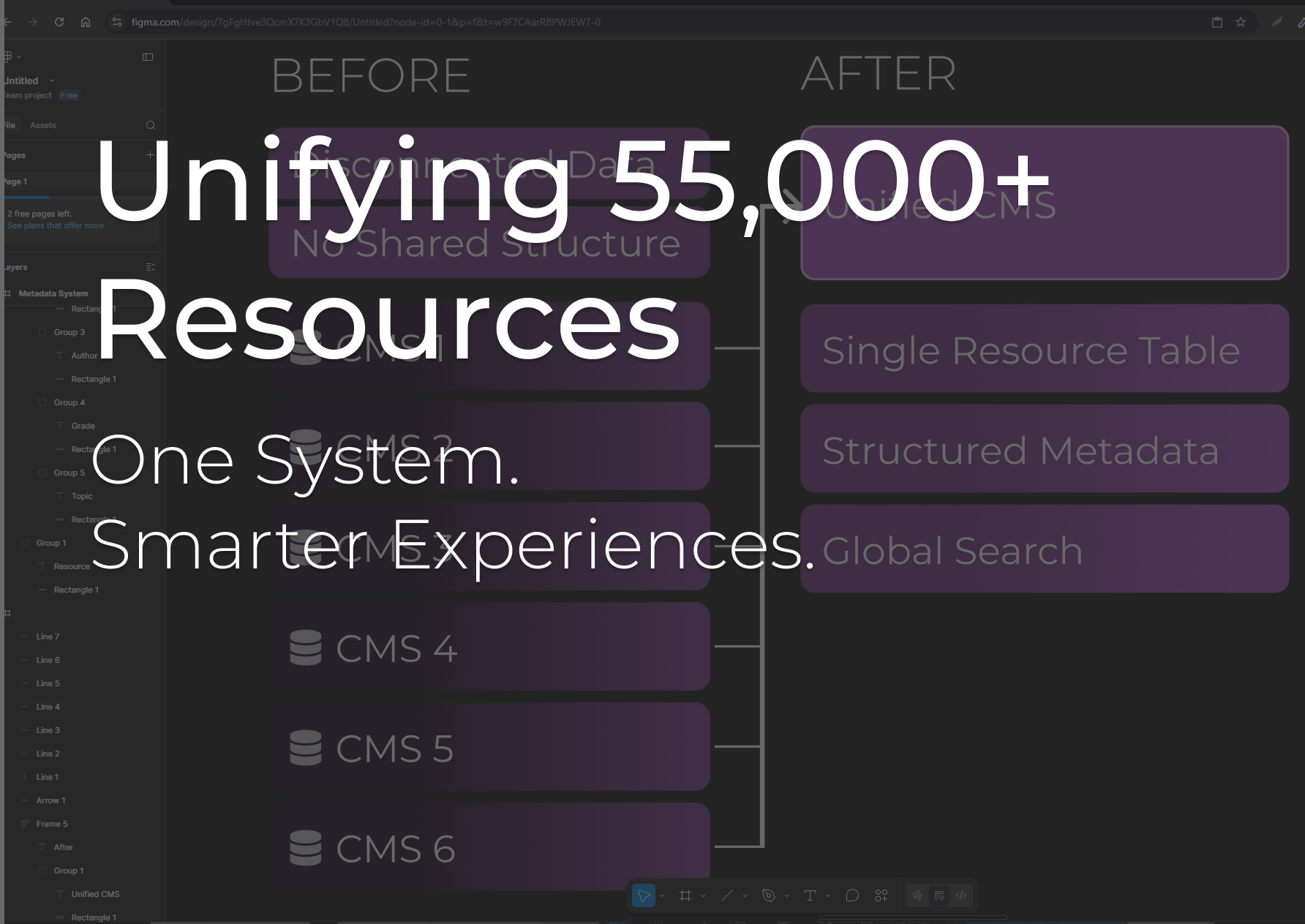
Transformed six disconnected CMS platforms into a single source
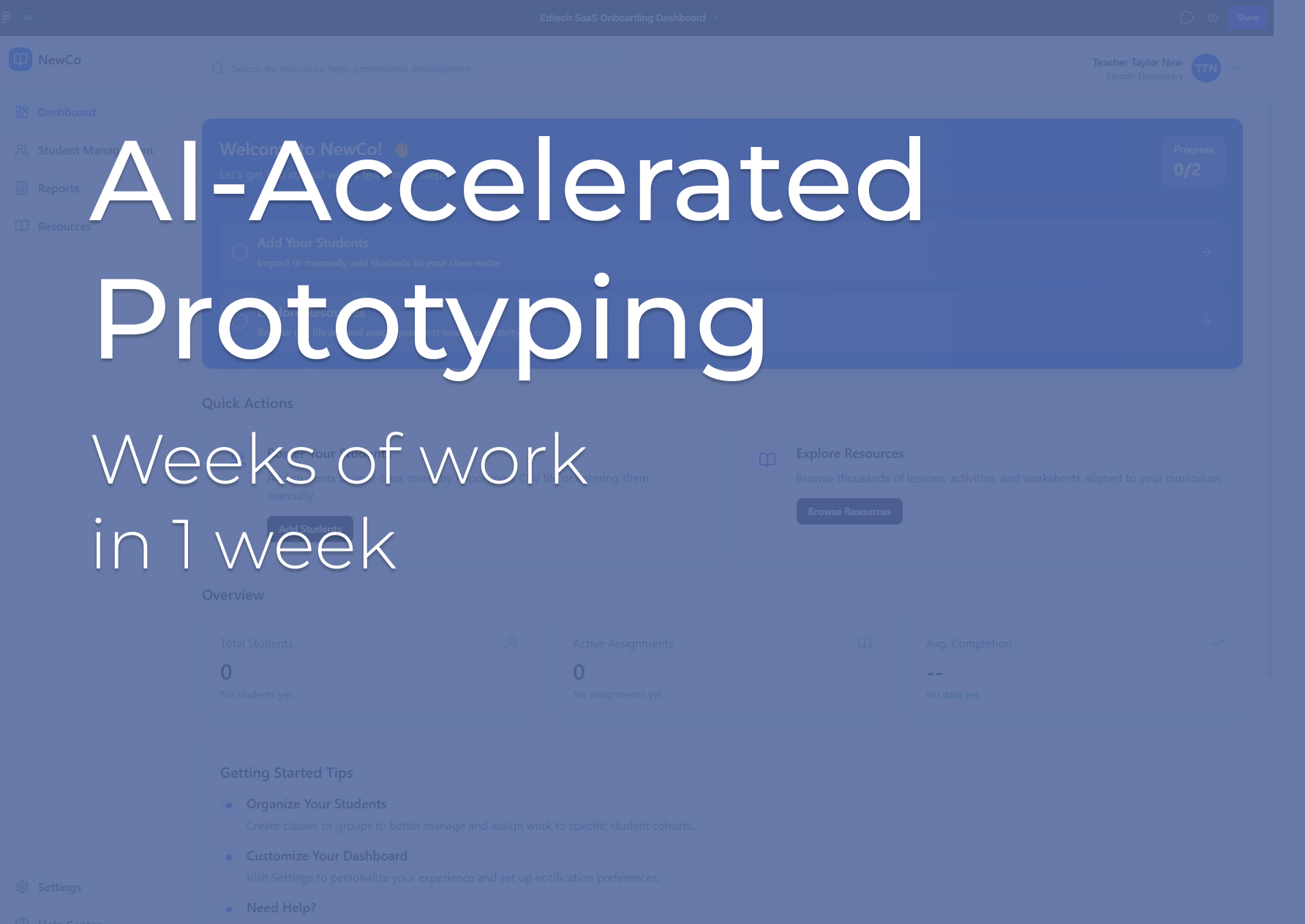
Using AI to rapidly prototype a dynamic, metadata-driven experience
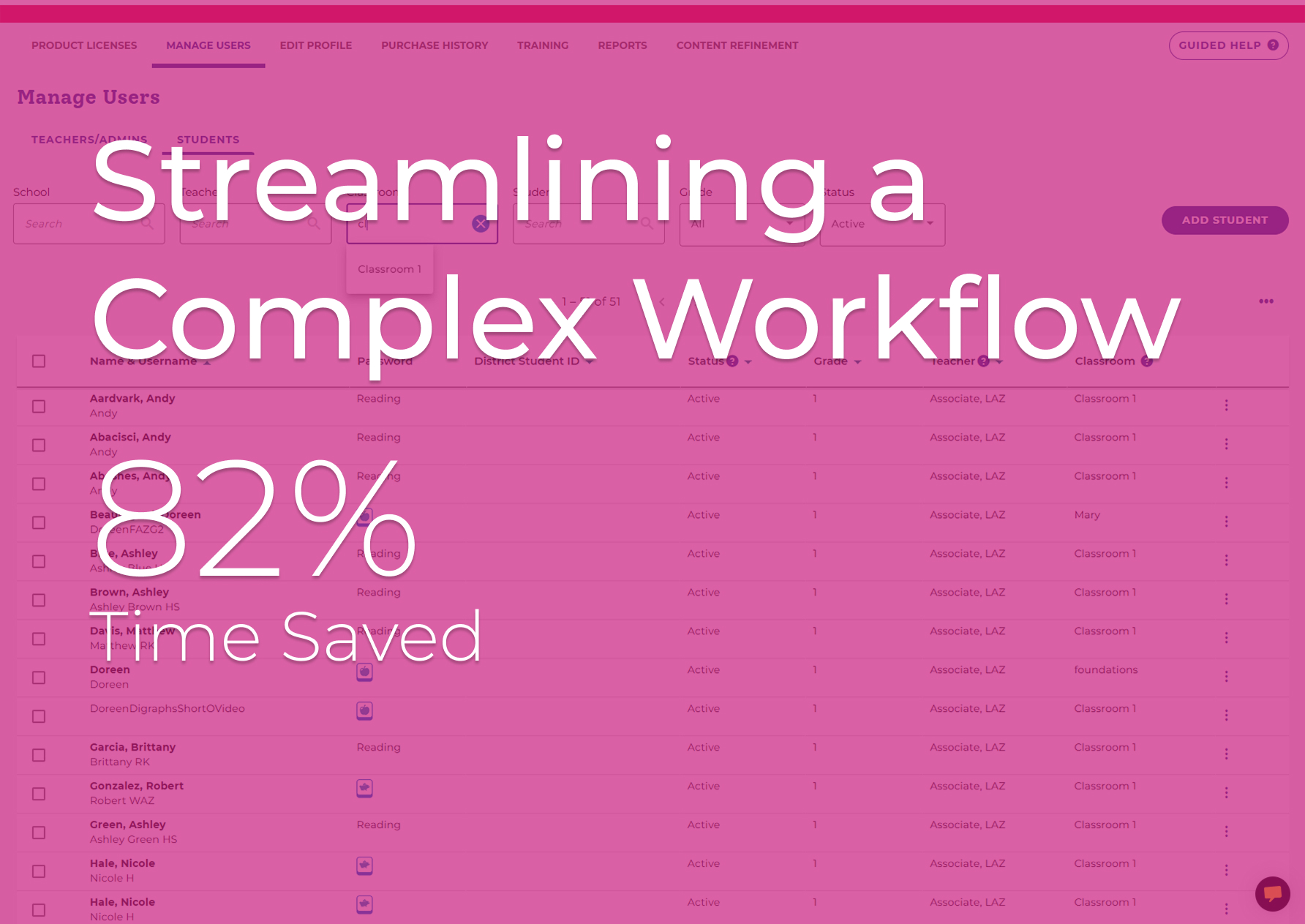
Redesigned a flexible user-friendly rostering experience
Designed and launched a scalable learning platform from scratch
A selection of client websites I’ve designed and built


Let’s Work Together
Let’s simplify complex products together
Reach out using the form below, or download my resume


